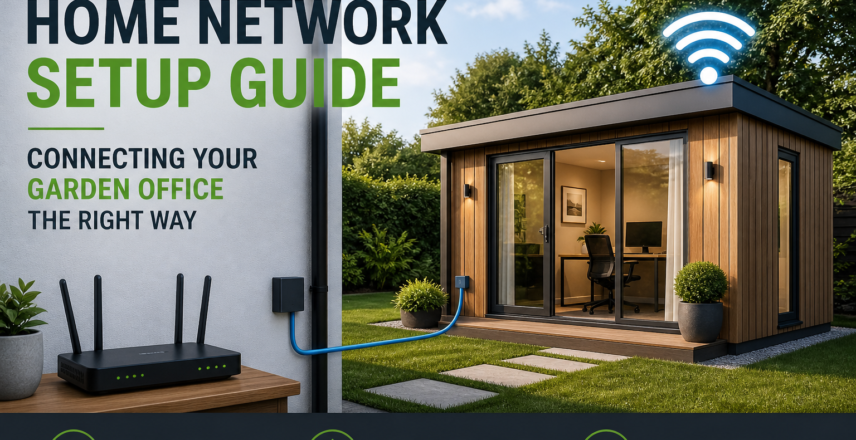
With more people working from home than ever, the humble garden office has gone from luxury to necessity. But one thing we see time and time again at Zen Computer Shop is this:
A beautifully built garden room… running on poor WiFi.
If your connection drops during video calls, files take forever to upload, or your remote desktop lags, the issue is almost always the same — the network link between your house and garden office isn’t properly designed.
In this guide, we’ll walk you through the best ways to connect your garden office, what to avoid, and how to future-proof your setup.
Why Your Garden Office Connection Matters
Your internet is only as strong as the weakest link between your router and your device.
Even if you have full fibre broadband, a poor connection to your garden office can result in:
- Slow speeds
- Dropouts on Teams/Zoom calls
- Laggy remote work sessions
- Frustration (and lost productivity)
The key decision is simple:
Do you connect via cable, or rely on WiFi?
Let’s break both options down.
Option 1: Ethernet Cable (Best Overall Solution)
If you want reliability, speed, and long-term stability — cable wins every time.
What this involves
Running an external-grade Ethernet cable (usually Cat6) from your house to your garden office.
Benefits
- Rock-solid connection (no dropouts)
- Full speed of your broadband
- Ideal for:
- Video calls
- Remote desktop / VPN work
- File transfers
- Streaming and media setups
How it’s typically installed
- Cable runs from your router or switch in the house
- Routed externally (often clipped along walls or buried)
- Enters the garden office
- Connected to:
- A single device, or
- A small switch or WiFi access point
Things to get right
- Use external-grade (UV-resistant) Cat6 cable
- Consider conduit or armoured cable if burying underground
- Avoid running alongside power cables where possible
- Seal entry points properly to prevent moisture ingress
Pro tip
If you’re going to run one cable, consider running two. The cost difference is minimal, and it gives you redundancy or future expansion.
Option 2: Point-to-Point Wireless Bridge (Strong Alternative)
If running a cable isn’t practical (e.g. driveway, distance, obstacles), a wireless bridge is the next best thing.
This is not the same as standard WiFi extenders.
What it is
A pair of dedicated devices that create a direct wireless link between your house and garden office.
Benefits
- Much more stable than WiFi boosters
- Can achieve very high speeds (often hundreds of Mbps)
- Works well over distance (even 50–100 metres+)
Requirements
- Clear line of sight between buildings
- Proper mounting and alignment
Typical setup
- One unit mounted on the house
- One unit mounted on the garden office
- Each connects via Ethernet to your network
When to choose this
- Cable install is too disruptive or expensive
- You want a clean, professional wireless solution
Option 3: WiFi Extenders / Mesh (Use With Caution)
This is the most common approach — and the most problematic.
The reality
Standard WiFi struggles outdoors, especially through:
- Brick walls
- Insulation
- Double glazing
- Distance
Mesh systems
Mesh WiFi can help, but:
- Performance still drops significantly between buildings
- It’s highly dependent on positioning
- It’s rarely as reliable as cable or a wireless bridge
When it might work
- Very short distance (e.g. small garden)
- Direct line of sight through windows
- Light usage (browsing, emails)
When to avoid
- Work-from-home setups
- Business use
- Anything latency-sensitive (VPN, VoIP, remote desktops)
The Ideal Garden Office Setup (Recommended)
At Zen, this is what we typically install for customers:
Best practice setup
- Cat6 cable from house → garden office
- Small network switch in the office
- Dedicated WiFi access point inside the office
Why this works so well
- Wired backbone = maximum stability
- Local WiFi in the office = strong signal where you need it
- Scalable for:
- Laptops
- VoIP phones
- Smart TVs
- CCTV
Planning Your Installation
Before starting, think about:
Distance
- Under 100m → Ethernet is ideal
- Over 100m → consider fibre or wireless bridge
Obstacles
- Paths, driveways, walls, trees
Usage
- Light browsing vs full-time remote work
Future needs
- Additional devices
- CCTV or smart garden tech
Common Mistakes to Avoid
- Using indoor Ethernet cable outdoors
- Relying on cheap WiFi extenders
- Not weatherproofing connections
- Running a single cable with no backup
- Assuming “full bars” = good performance
Final Thoughts
If you take one thing from this guide, it’s this:
A garden office deserves a proper network connection — not a workaround.
The difference between a good setup and a poor one is night and day, especially if you rely on your connection for work.
Need Help?
At Zen Computer Shop, we regularly install and optimise home networks across Somerset, including garden office setups.
We can help with:
- Cabling and installation
- Wireless bridge systems
- WiFi optimisation
- Full home network design
If you’d like advice or a quote, feel free to get in touch:
www.zencomputershop.com
helpdesk@zencomputershop.com
01458 899845
Zen Computer Shop – Practical IT support for homes and businesses.


